Everything you need to get going.
A complete guide to setting up, using, and getting the most out of the Insig AI MCP Connector.
What is an MCP?
MCP stands for Model Context Protocol. It's an open standard that allows AI models like Claude to connect to - among other things — external data sources. In short, you can interrogate Insig AI's data directly from Claude with minimal setup.
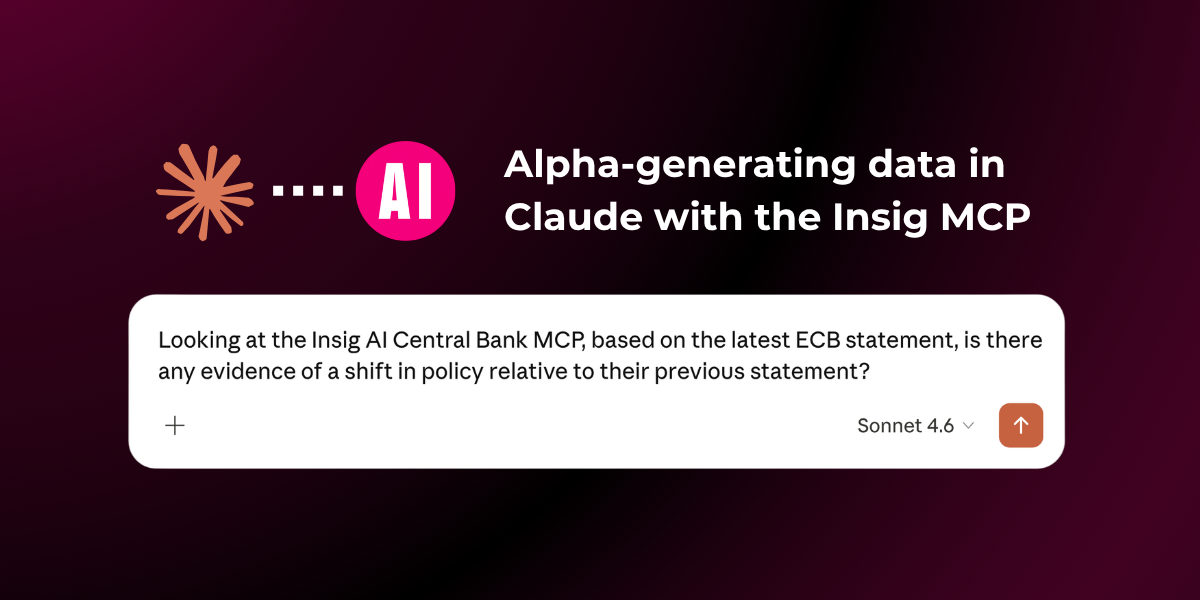
How do I set up the Insig AI MCP Connector?
- Set up your paid Claude account.
- Go into Customise → Connectors → + Button → Add Custom Connector.
- Name your connector "Insig AI Central Bank MCP".
- Paste this URL: https://cb-mcp.insig.ai/mcp
- Enter your given username and password. If you don't have credentials, email support@insig.ai.
- ⚠ If you are on a team plan, ask the primary owner of the account to connect to the MCP.
How do I use the browser app?
- The browser app can be accessed via https://cb-mcp.insig.ai/.
- The central bank browser app lets you see all of the documents in the dataset, in their PDF format and their machine readable markdown files.
- See video below for instruction regarding: finding source links and videos, how to access translated documents and more.
How do I set up the Insig AI MCP Connector in Claude Code?
- Make sure you are connected to Insig's Central Bank MCP on you Claude desktop.
- Go to your terminal.
- Install Claude by pasting curl -fsSL https://claude.ai/install.sh | bash in your terminal.
- You should see the Claude code page.
- Check the MCP is connected by typing /mcp.
- You should see: claude.ai INSIG CB MCP · ✔ connected · 8 tools
- Now you will be able to ask Claude natural language queries from within your terminal.
- Type claude if you want to access claude in a new terminal.
- If you need any help, please email support@insig.ai.
What does the Insig AI MCP Connector do?
We have 100 central banks, ~20,000 documents and 10 report types - speeches, meeting minutes, inflation reports, the Beige Book, statements, YouTube videos and radio - filterable by speaker, institution, country, region and date.
See the full data set: cb-mcp.insig.ai/
You can produce fast alpha-generating signalling graphs and charts through our MCP, drawing on current and past data to find trends and signals.
Troubleshooting queries
Prompt best practice
If you're not getting the results you want, try making your prompt more targeted. For example, instead of "Surface the trends in recent central bank documents", say "Surface trends in [specific] central banks across [specific dates]".
How do I stop the query doing a web search?
Make sure you reference Insig AI MCP, then give it permission to use the MCP.
General issues
If the MCP isn't working as intended, try disconnecting and reconnecting to it.
What kind of things can I research?
There are many prompts you can use to research central bank data through our MCP - insight queries driven by your expertise will be particularly fruitful. Don't hesitate to ask the team for prompting guidelines.
The toolkit
We've made searching the dataset easy. The MCP exposes seven functions:
list_countriesAvailable countries with documents in the dataset.list_regionsAvailable regions with documents.list_institutionsAvailable central bank institutions.list_speakersSpeakers named in documents (governors, officials, etc.).list_report_typesDocument/report types (speeches, minutes, etc.).search_documentsSearch for documents - returns metadata only (no full text).get_documentsFetch full document text for documents matching given filters.Prompts to try
Discovery - good first tries
- What central banks are covered, and how many documents from each?
- List every report type available and how many documents of each.
- Which speakers have the most documents in the database?
- What regions and countries are represented?
Targeted retrieval - filtering power
- Pull the last five Federal Reserve speeches from 2025.
- Find every Bank of Japan meeting minute from 2023 onward.
- Show me all Beige Book releases from the past two years.
- Get Christine Lagarde's speeches between June and December 2024.
Comparative & analytical - where it earns its keep
- Compare how the Fed and the ECB talked about inflation in their most recent statements.
- How has the Bank of England's tone on rate cuts shifted across its last six inflation reports?
- Summarise the dominant themes across Bank of Canada speeches in 2025.
- Contrast the latest monetary policy statements from emerging-market central banks in Latin America.
- Track mentions of "financial stability" across Bank of Japan speeches over the last three years.
Single-document deep dives
- Read me the most recent FOMC meeting minutes and pull out the key policy signals.
- Summarise the latest Bank of Mexico inflation report in plain English.
- What forward guidance did the Reserve Bank of Australia give in its last press conference?
Research workflows - multi-step
- Build me a timeline of every Fed statement in 2025 with a one-sentence summary of each.
- Find every central bank speech mentioning "AI" or "artificial intelligence" in the past year and group views by region.
- Which Asian central banks have published the most on climate-related financial risk?
Tips
- Use
search_documentsfor browsing metadata. - Partial name matching works, so "Lagarde" or "Fed" is enough; you don't need exact institution names.
What is the fair usage limit?
We use rate limiting to cap the number of requests you can make. If you hit the limit, contact our support team: support@insig.ai
Can Insig AI see your prompts?
Can I expand the dataset?
We're always looking to update and expand our datasets. If you're interested in accessing more data, contact support@insig.ai.